
1. Check
Website health check
Website Health Check: What to Test, Fix and Monitor
- Educational guide
- Full growth pipeline
- No ranking promises
Related website health guides
Keep exploring the topic
The process
The website health loop
- Confirm the site loads, responds, and is reachable on the devices your customers use.
2. Prioritize
Rank issues by impact — availability and crawl blockers before polish and content experiments.3. Fix
Repair the highest-impact problems first so crawlers and visitors can use the site again.4. Validate
Re-check the failing URLs after changes so you know the fix actually landed.5. Submit
Use sitemaps and URL inspection in Search Console after the site is healthy enough to crawl.6. Index
Give Google time to crawl, render, and decide which URLs belong in the index.7. Monitor
Watch uptime, performance, SEO signals, and Search Console impressions as they change.8. Improve
Tighten titles, content, and internal links once technical blockers are under control.
Definition
What is a website health check?
Think of site health as the condition of your online storefront: uptime, crawl paths, metadata, speed, mobile experience, and broken pages all interact. A useful check explains those parts together instead of handing you one number and calling it done.
Use the Commit Happens website health checker when you want a product-led read on your current condition, then return here when you need the broader system explained.
Uptime
Crawlability
Indexing
Technical SEO
Speed
Core Web Vitals
Mobile usability
Internal linking
Metadata
Broken pages
Growth pipeline
The website growth pipeline
1. Build or publish the site
Complete this stage before treating later stages as the real problem.2. Confirm the site is reachable
Complete this stage before treating later stages as the real problem.3. Check technical SEO
Complete this stage before treating later stages as the real problem.4. Fix crawl and performance problems
Complete this stage before treating later stages as the real problem.5. Verify the sitemap and internal links
Complete this stage before treating later stages as the real problem.6. Connect Google Search Console
Complete this stage before treating later stages as the real problem.7. Submit or request indexing where appropriate
Complete this stage before treating later stages as the real problem.8. Wait for Google to crawl and process changes
Processing delays are normal. Recrawling after changes can take longer than one refresh.9. Monitor impressions, clicks, CTR, and position
Impressions often arrive before clicks. Position and CTR evolve as Google learns.10. Continue improving
Complete this stage before treating later stages as the real problem.
Crawled ≠ indexed
Indexed ≠ ranking
Ranking ≠ clicks
Clicks ≠ conversions
Prioritization
What should be checked first?
Do not start by publishing a pile of new articles if Google cannot crawl or understand the site. Fix the foundation first, then invest in content depth.
1. Critical availability issues
Then → Crawl and indexing blockers2. Crawl and indexing blockers
Then → Broken pages and redirects3. Broken pages and redirects
Then → Technical SEO4. Technical SEO
Then → Performance and Core Web Vitals5. Performance and Core Web Vitals
Then → On-page content and metadata6. On-page content and metadata
Then → Internal linking7. Internal linking
Then → Search appearance and CTR8. Search appearance and CTR
Then → Ongoing monitoring9. Ongoing monitoring
Repeat the loop as the site changes.
Technical SEO
Technical SEO health
Technical SEO is the machinery that lets search engines fetch, interpret, and choose the right URL. Review robots.txt, XML sitemaps, canonicals, redirect chains, accidental noindex directives, duplicate pages, broken links, 404s, heading hierarchy, title tags, meta descriptions, structured data, mobile rendering, and HTTPS.
For ongoing issue detection, use SEO monitoring. For prioritized repair guidance, see how to fix SEO issues, run a technical website audit, or read why your site is not ranking.
Performance
Performance health
Performance health covers loading speed, Core Web Vitals (LCP, INP, CLS), server response time, image weight, JavaScript cost, layout stability, and mobile performance. Slow pages frustrate visitors and can weaken search competitiveness — but speed alone does not guarantee rankings.
Baseline money pages with website performance monitoring and keep watching after deploys so regressions do not undo your fixes.
Availability
Uptime and availability
A website cannot rank, convert, or build trust if it is unavailable. Watch for outages, intermittent failures, timeouts, DNS issues, SSL problems, slow server response, and failed uptime checks.
Pair this guide with uptime monitoring and broader website monitoring so reachability stays visible between manual health checks.
Discovery & indexing
How Google discovers and indexes a website
Google finds pages through internal links, sitemaps, and backlinks. Then it crawls, renders, evaluates, selects a canonical URL when duplicates exist, and may delay processing. After you change something, recrawling is not instant.
Important: sitemaps are requests, not commands
After indexing
What happens after indexing?
Impressions may appear before clicks. Early average position may sit around 50–90 while Google tests a new page for multiple phrases. Titles and descriptions influence CTR. Content and internal links reinforce relevance. Rankings can move as Google gathers more information — patience is part of the process.
Example pattern: a new guide may first appear deep in results, collect impressions without clicks, then improve as Google understands the page and the surrounding topic cluster. That is progress, not failure. It is not a ranking promise.
Continuous care
Website health is continuous
One-time audits are snapshots. Pages change, plugins update, hosting degrades, redirects break, titles duplicate, performance regresses, search visibility shifts, and new content creates new internal-link opportunities.
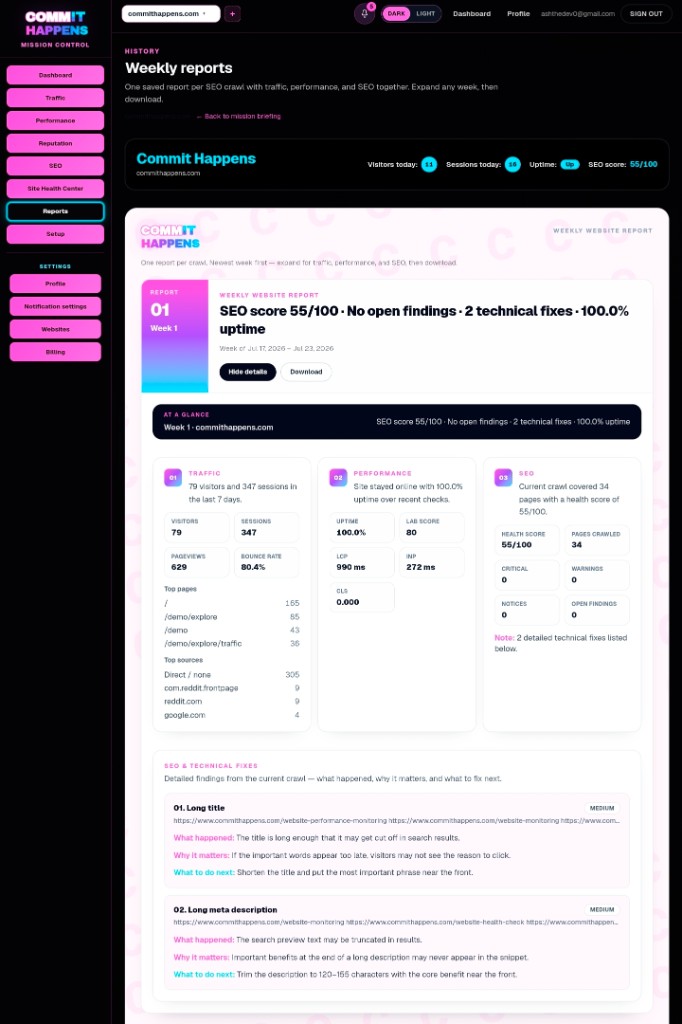
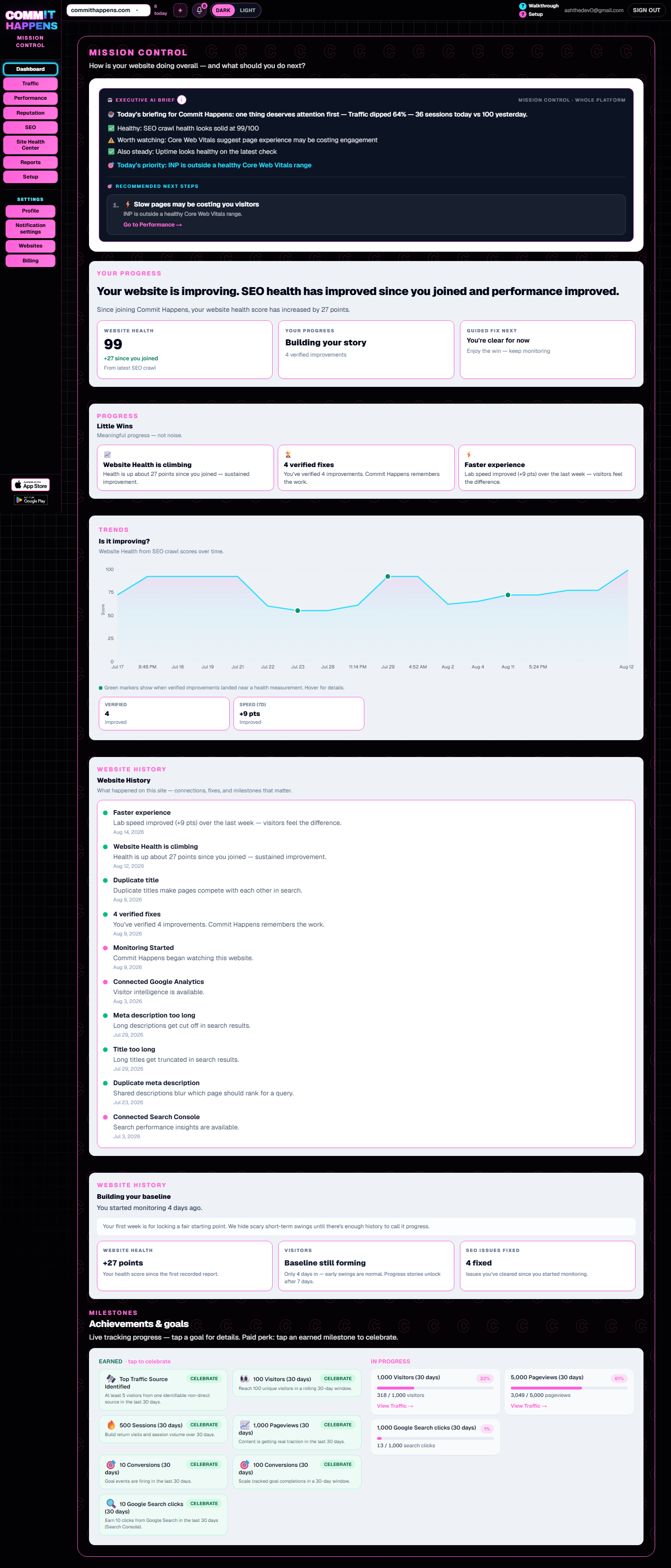
A one-time audit tells you what is wrong today. Commit Happens continues watching uptime, performance, SEO signals, and search visibility so you can see when something changes — which is why site health is a habit, not a weekend project.
Prefer a hands-on checklist next? Learn how to check website health step by step.
Take the next step
Know What to Fix Before You Ask Google to Recheck It
Want to see it first? Watch the 2-minute demo.
Plans
Plans starting at $19/month
Monitor uptime, performance, SEO, and traffic from one dashboard. Free tier available — upgrade when you need maps, Search Console, scheduled crawls, and AI guidance.
FAQ
Website health check FAQ
What is included in a website health check?
A complete website health check covers availability, crawlability, indexing readiness, technical SEO, performance and Core Web Vitals, mobile usability, metadata, broken pages, internal links, and Search Console signals — not a single vanity score.
How often should I check website health?
Run a thorough check before launches, redesigns, or paid campaigns. For active sites, review monthly and use ongoing monitoring so regressions do not hide between manual reviews.
What is the difference between crawling and indexing?
Crawling is Google fetching a URL. Indexing is Google deciding the page is useful enough to store and potentially show in results. A page can be crawled and still not indexed.
Why is my website indexed but not getting traffic?
Indexing only means the page can appear. Traffic still depends on relevance, competition, titles and snippets, average position, and whether searchers click. Early impressions without clicks are common.
Does website speed affect SEO?
Speed and Core Web Vitals affect user experience and can influence competitiveness, especially on mobile. Speed alone does not guarantee rankings — but slow money pages rarely help.
How long does Google take to index website changes?
It varies. Small updates may appear within days; larger sites or low-priority URLs can take longer. After you fix blockers, submit carefully, then watch Search Console rather than requesting indexing repeatedly.
What should I fix first on an unhealthy website?
Fix availability first, then crawl and indexing blockers, then broken pages and redirects, then technical SEO and performance. Content expansion comes after the site can be fetched and understood.
Can a website health checker improve rankings?
A checker helps you find and prioritize problems that may be holding visibility back. No tool guarantees rankings. Pair the check with fixes, Search Console, and ongoing monitoring.
Get started
Your Website Is Not Finished When It Goes Live
Related tools