

Continuous website monitoring
Know the Moment Something Changes
Monitor your website's uptime, SEO, speed, reputation, and technical health continuously — so small issues never become big problems.
- Ongoing tracking
- Alerts when it matters
- Trends you can act on
Works with WordPress, Wix, Shopify, Squarespace, Webflow, Next.js, React, and more.
Prefer a website health check first? Or jump to uptime monitoring if downtime is the urgent risk.
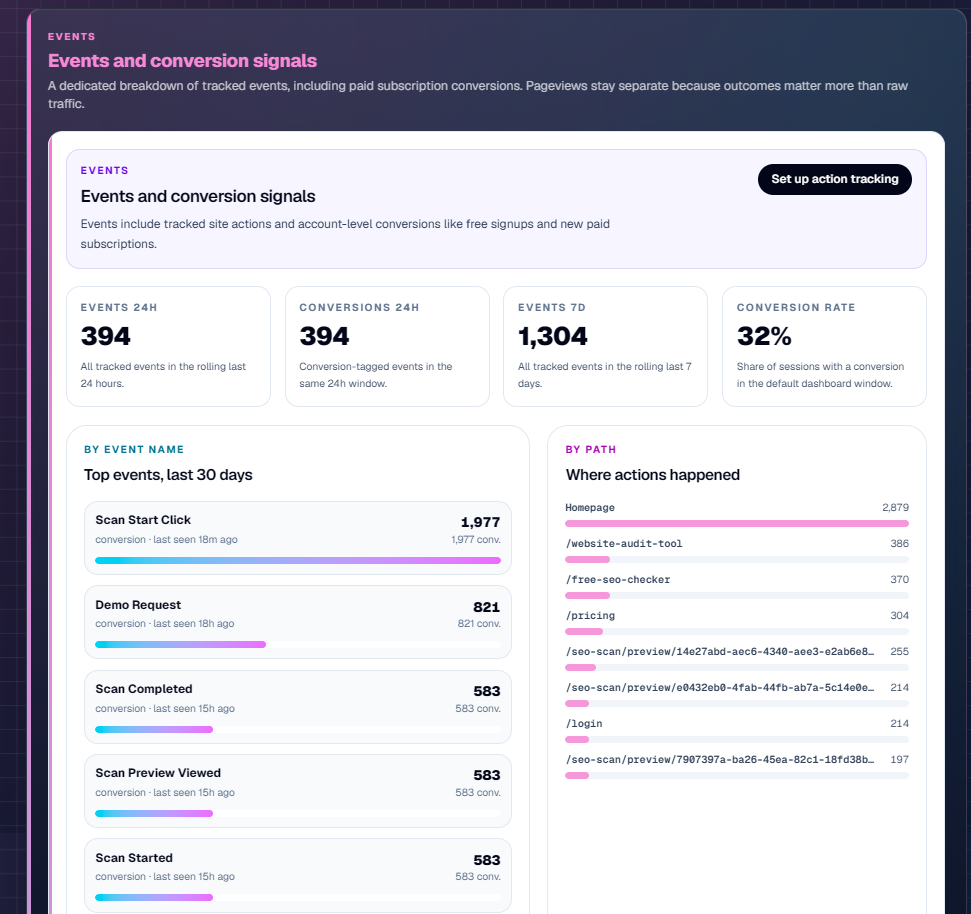
Inside Mission Control
Watch your website improve over time
Health, priorities, uptime, performance trends, and traffic signals in one place — the same monitoring surface you use after you start watching a site.
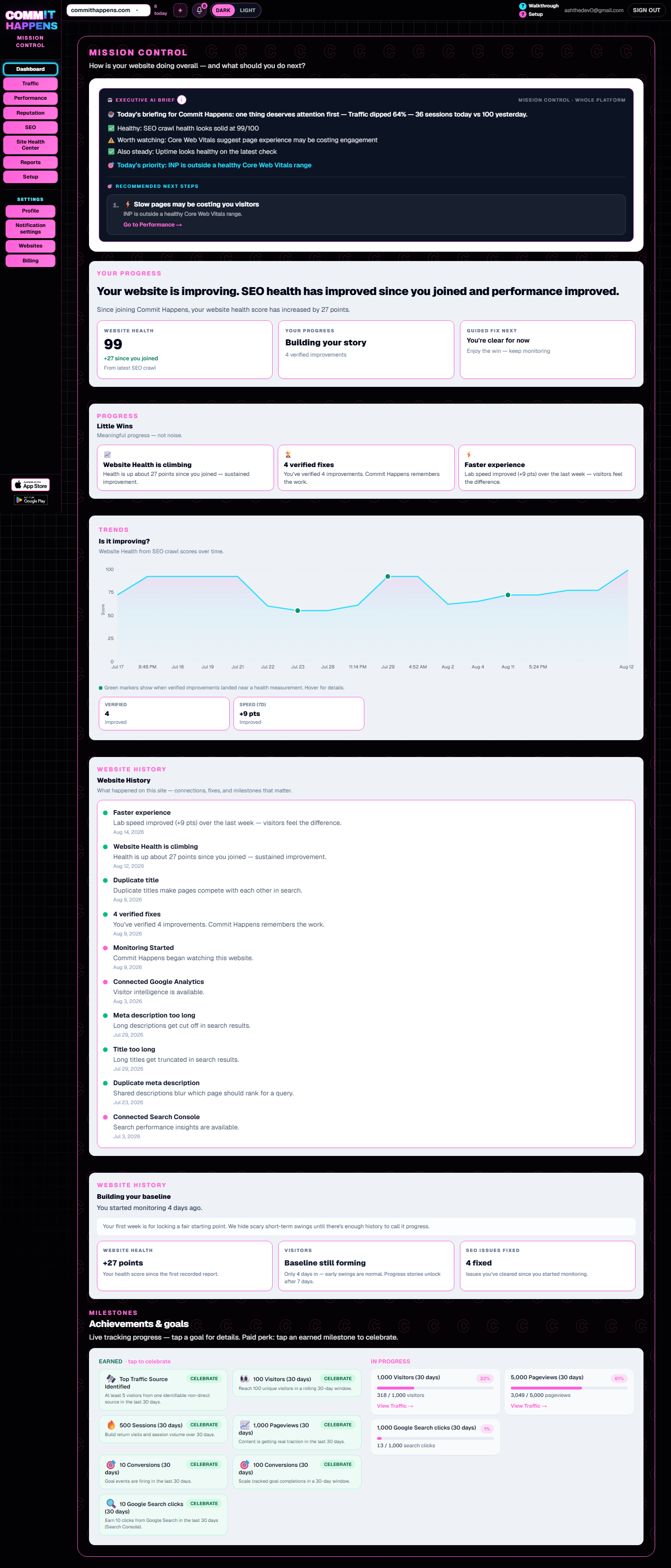
Monitoring dimensions
What website monitoring covers
Website monitoring is the umbrella. Each dimension below goes deeper on its own page — without repeating the same story twice.
Uptime monitoring
Reachability probes and outage history so downtime is not a one-line rumor. See uptime monitoring.
SEO monitoring
Scheduled crawls that catch metadata gaps and crawl regressions between manual reviews. Explore SEO monitoring.
Performance monitoring
Lab vitals and speed trends on money pages so slowdowns show up before visitors bounce. Dig into website performance monitoring.
Traffic & reputation signals
Visit patterns, activity timelines, and reputation shifts — supported signals that sit alongside uptime, SEO, and speed in Mission Control.
Continuous visibility
What changes when monitoring runs continuously
A single look tells you today’s status. Continuous monitoring turns that into history, alerts, and trends — so you catch drift early.
Status becomes history
Instead of a single “is it up?” moment, you build an uptime trail — when the site dipped, how long it lasted, and when it recovered.
Speed becomes a trend
Performance is watched over time so a slowdown after a deploy or plugin update shows up as a trend — not a surprise. Dig deeper in website performance monitoring.
Issues become changes
You see what moved since yesterday: new SEO opportunities, traffic shifts, and alerts when something needs attention — continuous visibility, not another one-off report.
Both exist for a reason
Website health check vs. website monitoring
Use a website health check when you need a clear snapshot of what’s helping and hurting right now. Use monitoring when you need automatic tracking, alerts, and progress over time.
| Website health check | Website monitoring |
|---|---|
| Point-in-time snapshot | Ongoing history |
| Manual check when you remember | Automatic monitoring on a cadence |
| Current issues on today’s report | Changes and trends over time |
| One report from that visit | Repeated visibility in the dashboard |
| Reactive fixing after you look | Earlier detection via alerts |
Need the free run now? Run a free website health check.
How continuous monitoring works
From today’s status to long-term visibility
Connect your website
Add your site once. Monitoring starts building a baseline of availability, speed, SEO, and traffic signals.
Tracking runs in the background
Checks continue while you work — uptime probes, performance history, SEO progress, and activity signals accumulate.
Changes surface as alerts
When the site goes down, recovers, or performance shifts, you get notified so you can act before customers complain.
Progress stays visible
Dashboards and briefings show history and trends — so you can watch the site improve week over week.
Alerts & activity
Know the moment something changes
Real notification types from Commit Happens — downtime, recovery, performance, and SEO signals — plus the activity timeline that shows what moved.
- UptimeWebsite downReachability failed — know before customers hit a blank page.
- UptimeWebsite back upRecovery recorded in your uptime history so the outage isn’t a mystery later.
- PerformancePerformance alertSpeed regressed enough to warrant attention — compare against recent trends.
- SEOSEO opportunityA crawl or ranking-related signal needs a look — track progress after you fix it.
Monitoring capabilities
History for every signal that matters
Each view below is a real dashboard surface — cropped around the monitoring feature it demonstrates.
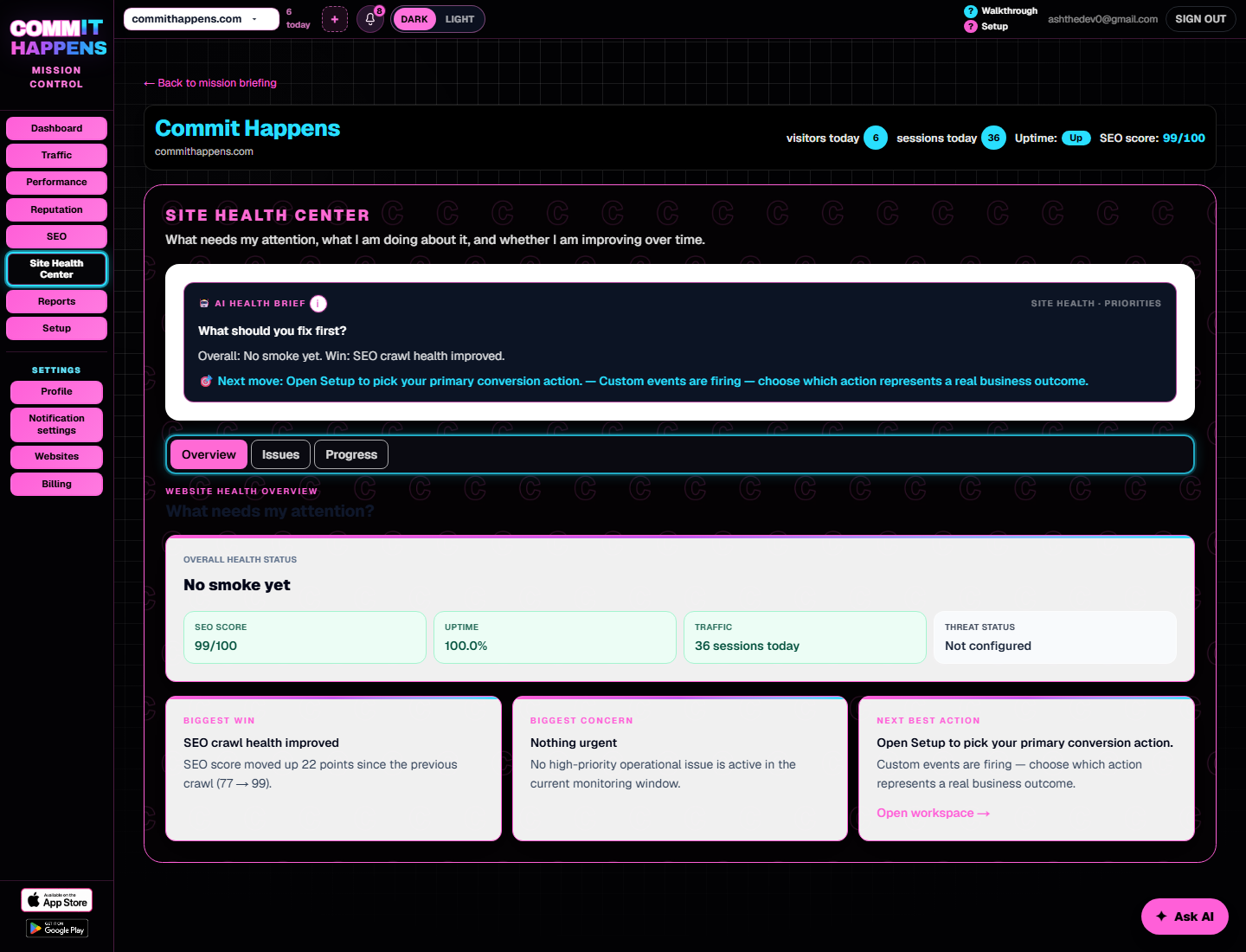
Uptime history
Operational status and response-time trends so downtime isn’t a one-line rumor. See uptime monitoring
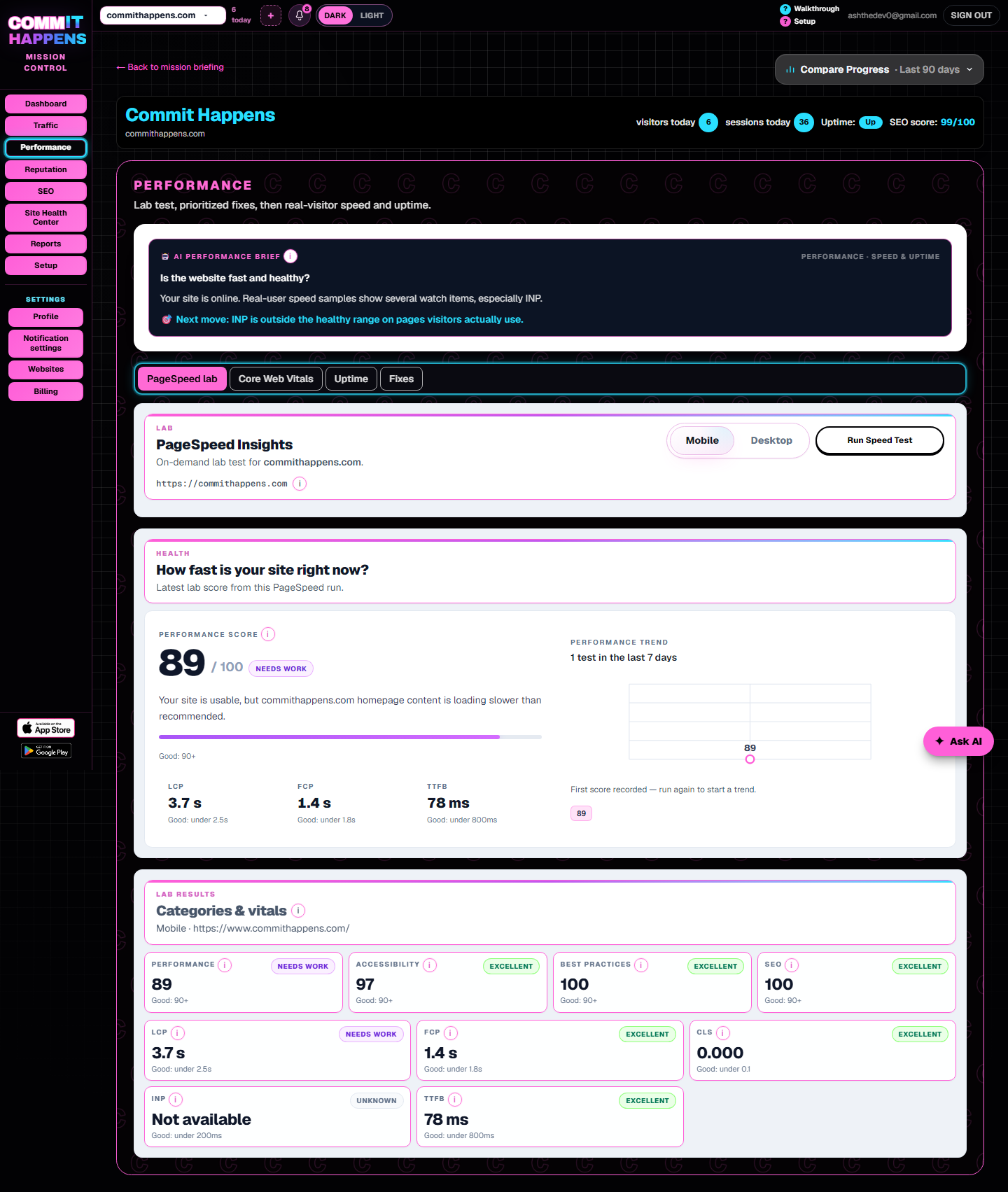
Performance trends
Lab and vitals context that shows whether pages are getting slower. Explore website performance monitoring.
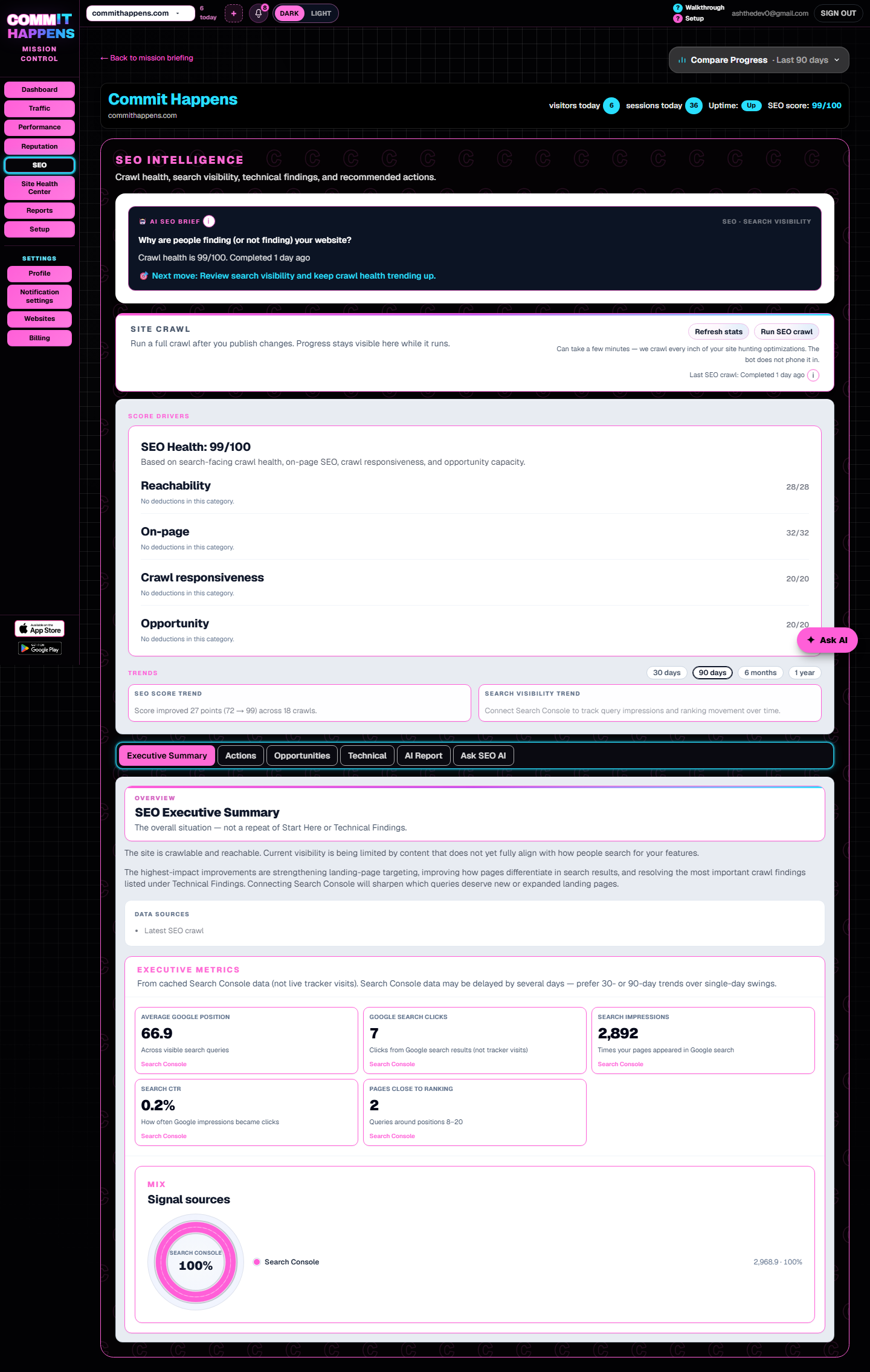
SEO progress
Crawl and search visibility signals tracked over time — so regressions don’t hide between manual reviews. See SEO monitoring.
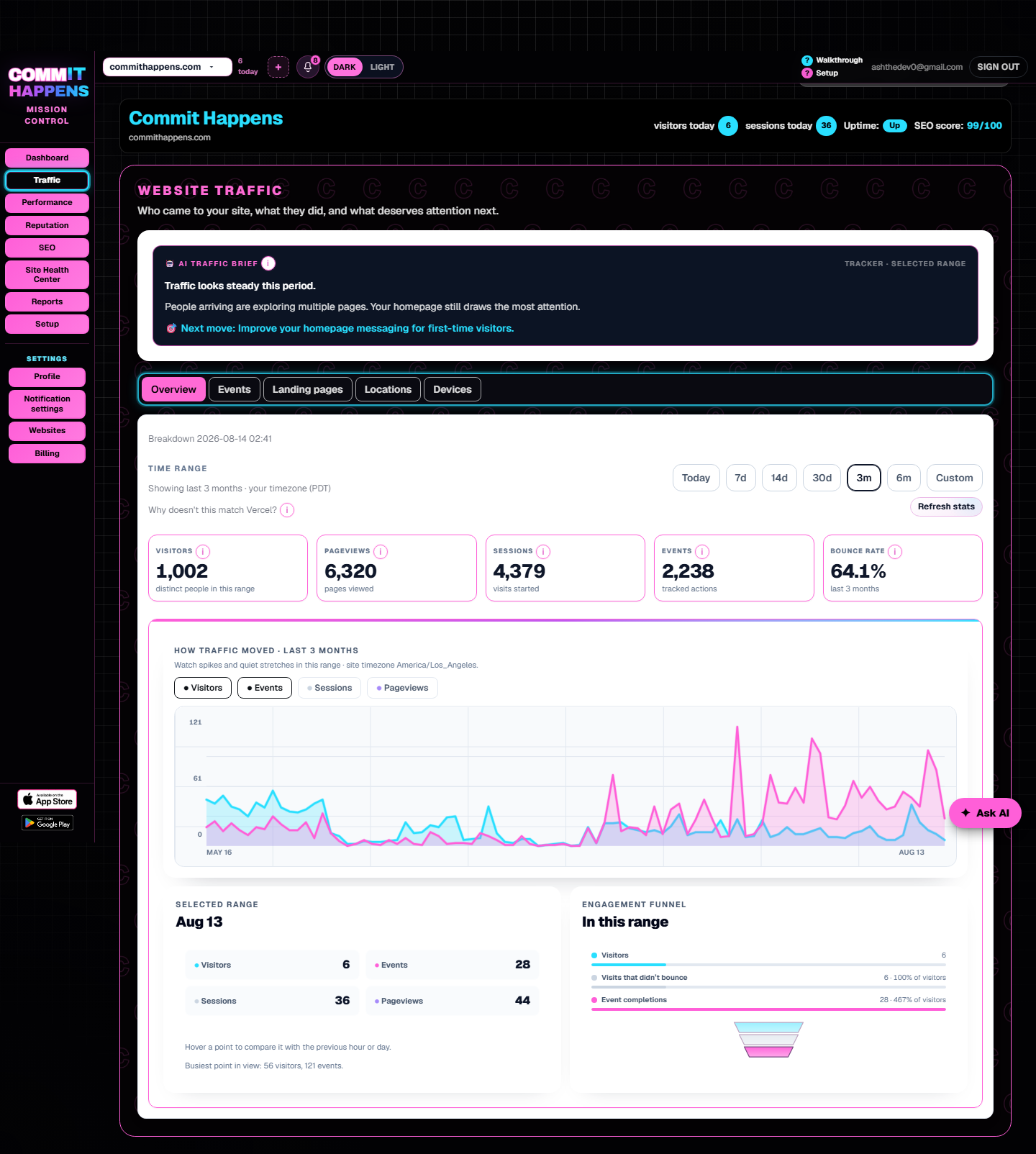
Traffic trends
Visit patterns over time so rises, drops, and page shifts are visible in history — not only today’s count.
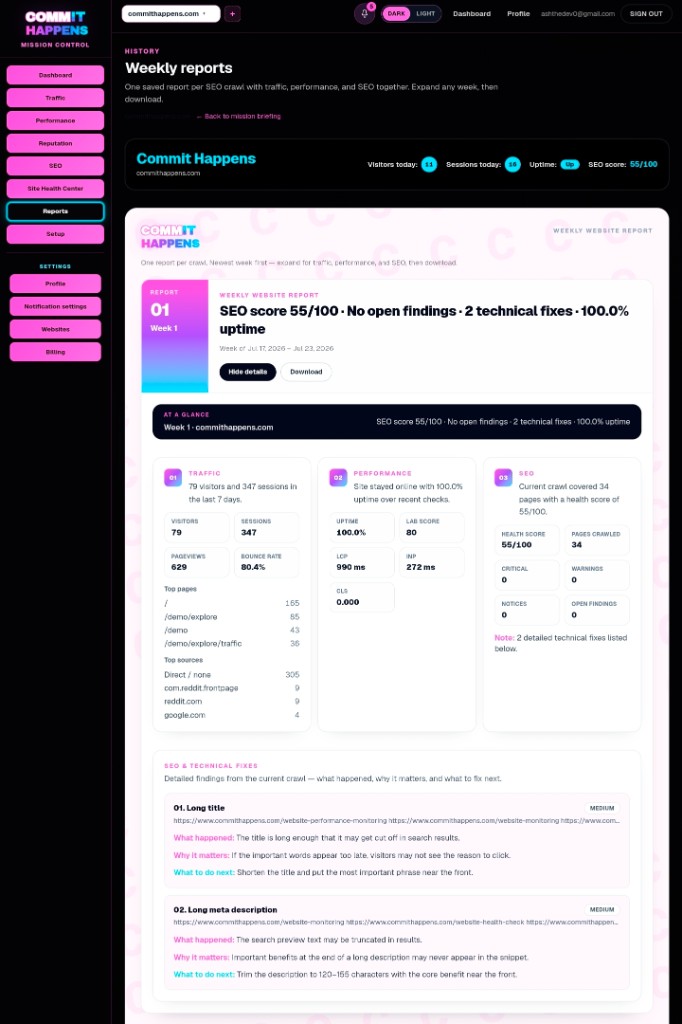
Ongoing reports
Weekly briefings and progress reports summarize what moved — so monitoring isn’t only a live panel; it’s repeated visibility you can review on a cadence.
Frequently asked questions
How is website monitoring different from a website health check?
A website health check is a point-in-time snapshot of whether your site is reachable, fast, and free of major technical or SEO issues right now.
Website monitoring keeps watching those signals automatically — so you get history, trends, and alerts when something changes between checks.
What does continuous monitoring actually track?
Availability and uptime history, performance trends, SEO progress, traffic patterns, reputation shifts, and new issues that appear after your last look.
The goal is continuous visibility — knowing what changed while you weren’t looking.
What kinds of alerts will I get?
Commit Happens notifies you for real events such as website down, website back up, performance alerts, and SEO opportunities — plus briefings that summarize progress over time.
You choose how urgently each type reaches you; the dashboard also keeps a record of what moved.
Can this replace separate uptime and performance tools?
For many small teams, yes. Commit Happens brings uptime monitoring, performance trends, SEO tracking, and traffic into one Mission Control dashboard.
You spend less time jumping between tabs and more time acting on what actually changed.
Do I need to be technical?
No. Alerts, trends, and next steps are written for business owners.
You get clear actions in plain English — not a wall of status codes.
Ready for continuous visibility?
Start monitoring to track changes over time — or run a free health check if you need today’s snapshot first.
After you start
Keep watching what changes
Full access includes continuous monitoring surfaces — uptime, SEO, performance, traffic, and reputation — with alerts when something moves.
No credit card required · Cancel anytime · 7-day full access
- Website Monitoring
- SEO Monitoring
- Performance Monitoring
- Traffic Analytics
- Reputation Monitoring
- AI Fix Recommendations