

One-time reachability check
- Answers whether your site responds right now — the fast “is this down?” question.
Uptime monitoring
Paste your URL for a free reachability check right now — then keep watching so you know about downtime before a customer emails you a screenshot.
Not just a status badge.
A history of what actually happened.
Works with WordPress, Wix, Shopify, Squarespace, Webflow, Next.js, React, and more.
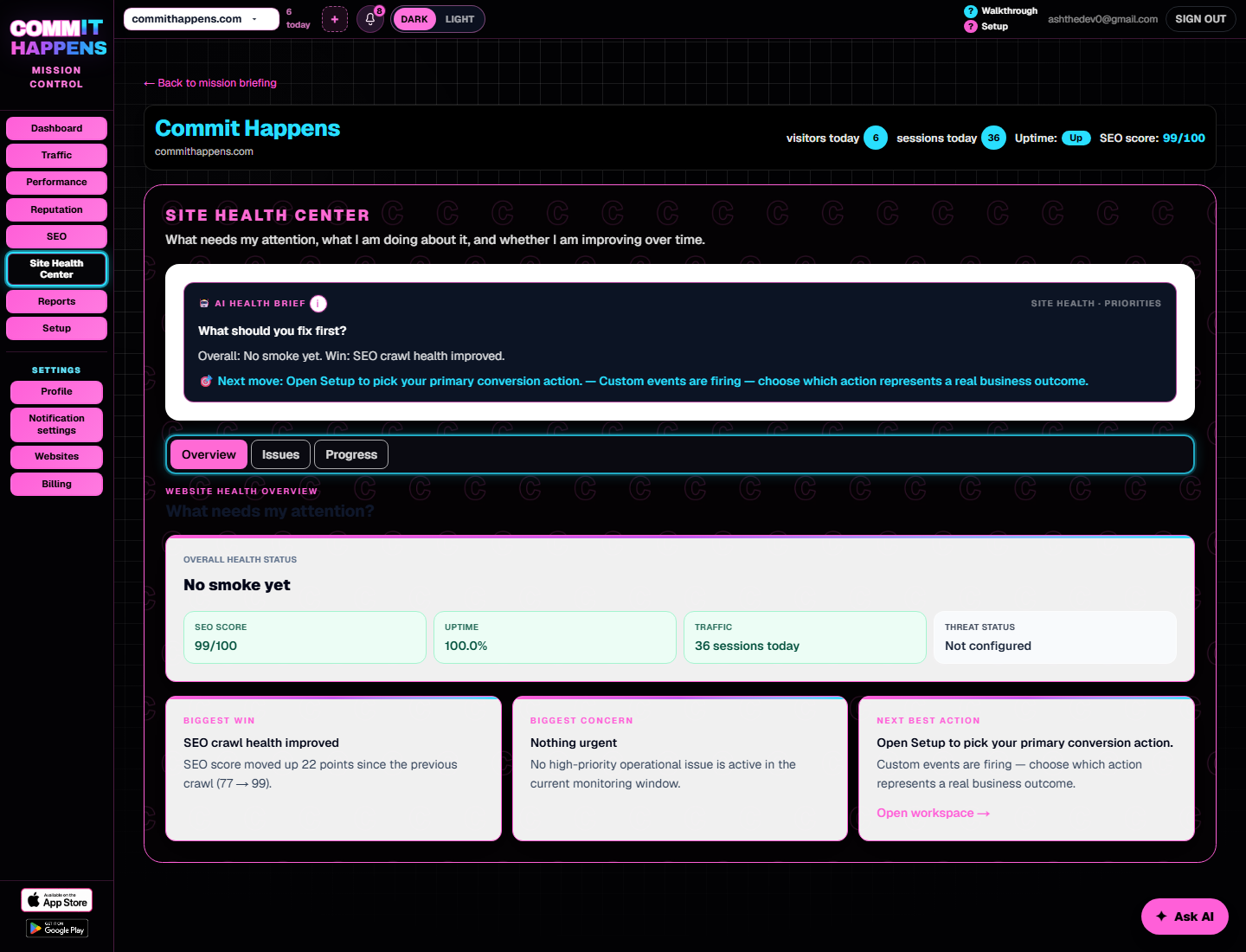
Curious what you'll get? View a Dashboard Walkthrough →
What uptime monitoring watches
Sites can pass a reachability check right now and still fail during peak hours, a DNS hiccup, or a bad deploy at 2 a.m. Uptime monitoring keeps probing on a schedule so repeat failures show up as history — not a mystery your customers report first.
How it works
See whether your site responds right now — no guessing.
Scheduled probes watch for outages on your plan's interval.
Get the history when something fails — not just a single refresh.
Real moments
Uptime history usually explains what a single refresh can't.
Why history matters
A one-time check tells you the site responded at this moment. Uptime monitoring keeps probing on a schedule, so a flaky host or a bad deploy shows up as a pattern — not a mystery your customers report first.

Run the reachability check above on your domain. It probes whether your homepage responds successfully right now — the fastest way to answer the question without guessing.
On paid plans, Commit Happens probes your monitored URL on a recurring schedule and keeps an uptime history. The free reachability check above is a one-time snapshot — not ongoing monitoring.
When your monitored URL fails to respond successfully during a scheduled probe — timeouts, connection failures, or error responses depending on configuration.
Uptime focuses on reachability. Slow pages are covered by performance monitoring — a site can be up and still frustratingly sluggish.
Uptime monitoring repeatedly checks whether your site responds successfully and records that history over time — so you know when it went down, how long it lasted, and when it recovered.
A single refresh only proves the site responded at that moment. Monitoring builds a trail of probes so intermittent hosting issues, DNS hiccups, and overnight outages do not depend on you happening to look.
Commit Happens records the failed probe in your uptime history and can notify you when a monitored URL stops responding — so you can investigate before customers send angry emails.
Manual checks depend on you remembering to refresh. Uptime monitoring runs in the background, keeps history, and surfaces repeat failures you would miss between visits.
Paste your URL below — free reachability check.
After your free scan
Scheduled probes catch outages the moment they happen — not whenever you remember to look.
No credit card required · Cancel anytime · 7-day full access